 Level 59
Level 59
Video
Walkthroughs, answers, and practical level help
Find the board you are stuck on, check the available walkthrough, and dispatch buses in an order that reaches the exit, matches waiting passengers, and protects your limited parking slots.
Available guides currently cover Levels 10–254.
Level directory
Start with popular levels or choose a numbered range. Board layouts can change after game updates, so compare the thumbnail before following a solution.
Level 59
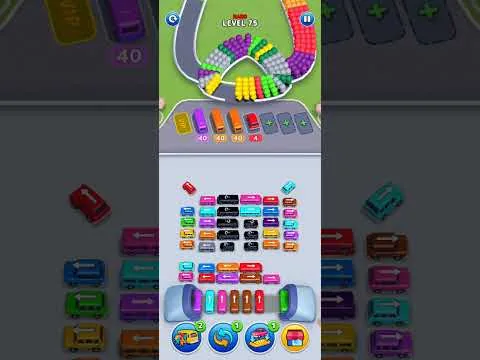 Level 75
 Level 13
 Level 34
 Level 63
 Level 110
 Level 78
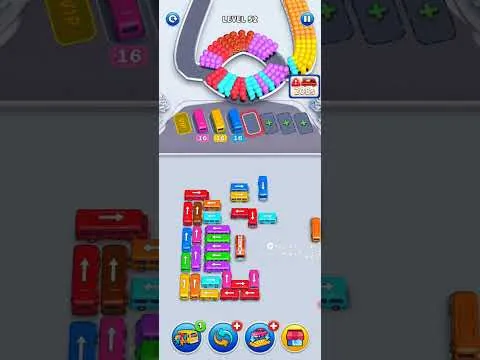 Level 52
 Level 26
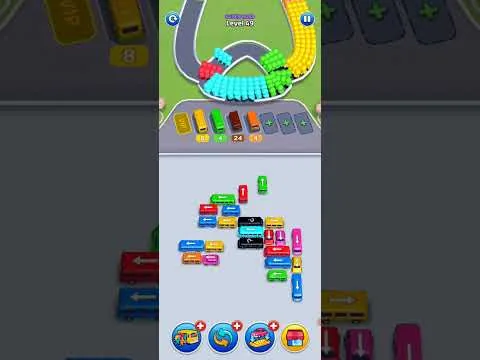 Level 49
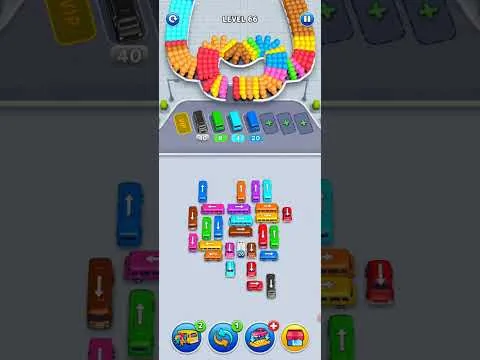 Level 66
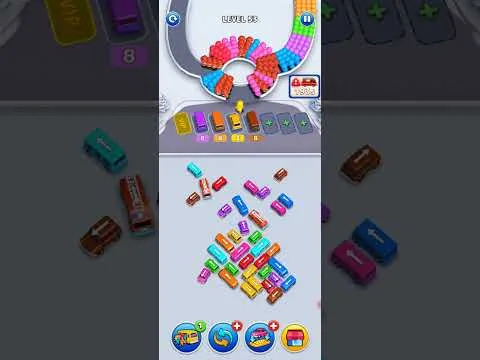 Level 53
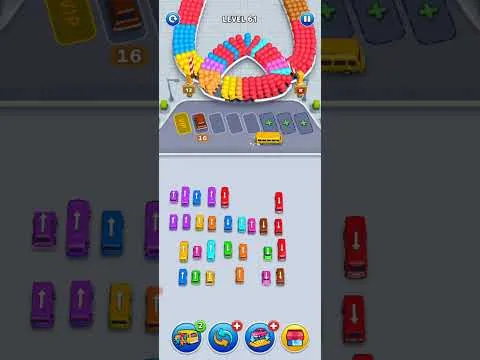 Level 61
 Level 39
 Level 95
 Level 14
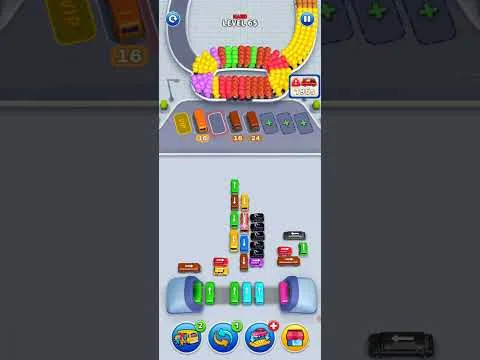 Level 65
 Level 15
 Level 154
 Level 105
 Level 80
 Level 38
 Level 40
 Level 56
 Level 37
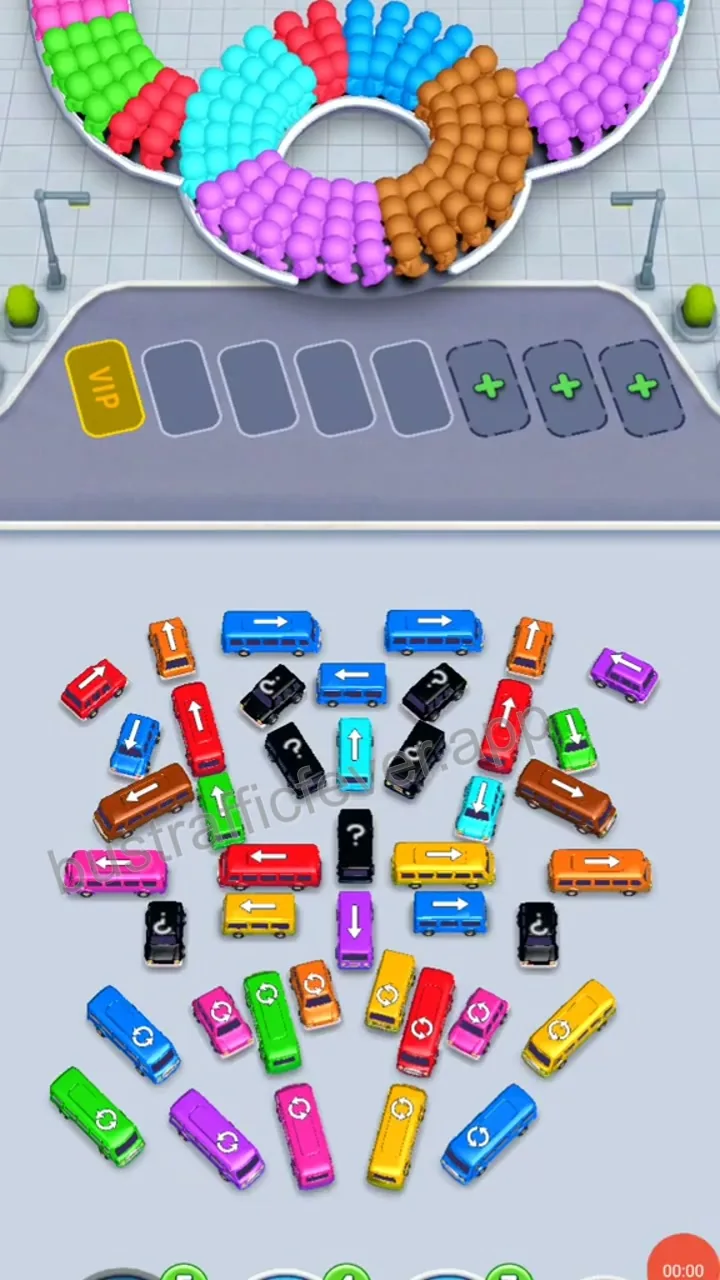 Level 155
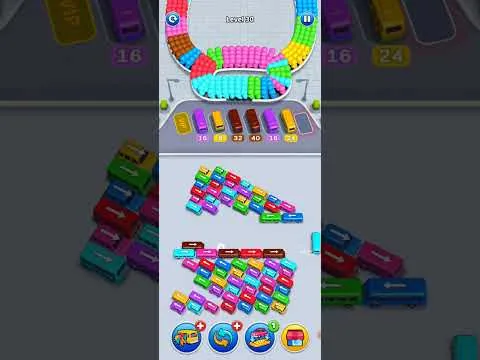 Level 30
 Level 79
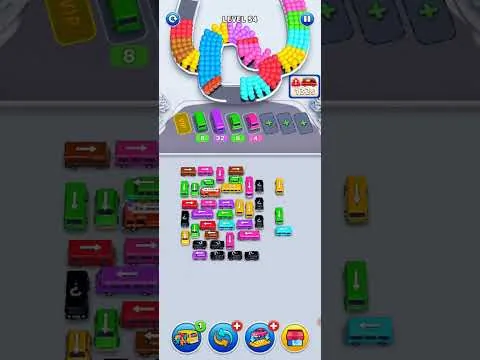 Level 54
 Level 48
Core puzzle method
Bus Traffic Fever rewards sequence planning. A bus that can move is not always the bus that should move first.
Find your levelCheck which direction each bus can travel and which vehicles are physically blocking its path to the exit.
Clear useful edge buses first so the crowded center has a real route out instead of several incomplete gaps.
Prioritize colors waiting at the front of the passenger line so each dispatched bus can load and leave promptly.
Keep at least one space available whenever possible. Sending the wrong color can fill the queue and end the attempt.
Gameplay FAQ
Use these fundamentals to retry the puzzle yourself, then open the matching level guide if the traffic still locks up.
Select a bus that has a clear path in the direction of its arrow. It moves to the waiting area, collects passengers of the same color, and leaves when its load is complete. Clear every bus to finish the level.
Another vehicle is blocking its travel direction. Look for an outer bus or a short chain of vehicles that can move first and create a continuous exit lane.
The temporary waiting area has limited capacity. If the parked buses do not match the passengers currently able to board, the queue can fill before the remaining colors are released.
Confirm the level number and compare the visible bus layout first. Follow the opening moves slowly; once the main lane is open, the rest of the dispatch order is usually easier to read.
Yes. Bus Traffic Fever is available from the Apple App Store and Google Play. Use the official store buttons on this page and verify that GOODROID, Inc. is listed as the developer.
No. Bus Traffic Fever Guide is an independent player resource and is not affiliated with, sponsored by, or endorsed by GOODROID, Inc.