Walkthrough and solution
Bus Traffic Fever Level 153
Need help with Bus Traffic Fever! Level 153? Follow the walkthrough, answer, and solution to beat the level, with video gameplay, tips, and step-by-step guidance.
Match The Correct Board Version
Bus Traffic Fever boards can change after game updates. Compare the tabs below, choose the layout that matches the buses on your screen, and use the guide for that version. If none look right, visit All Levels to browse by thumbnail first.
Puzzle Snapshot
Dispatch matching buses according to the incoming passenger color flow while keeping parking spaces open to prevent blocking.
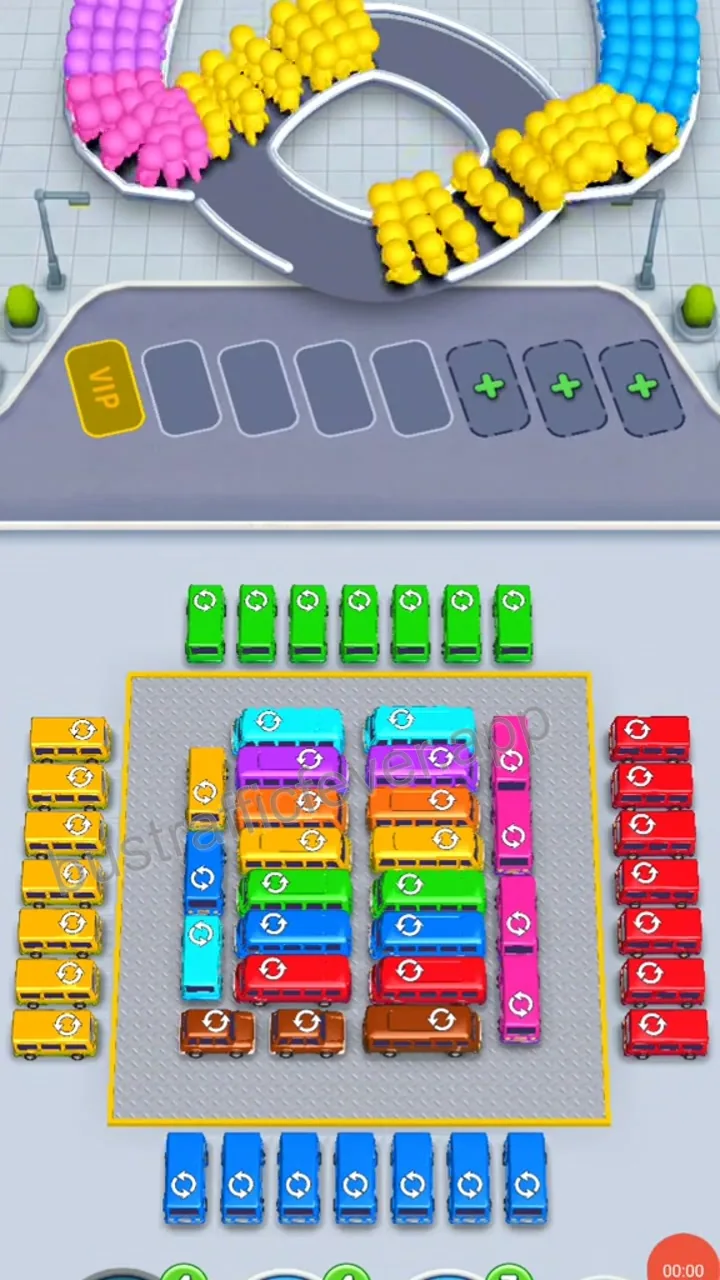
Initial board state showing the centered block of various colored buses, incoming passenger loops above, and four regular parking spaces with additional VIP slots.
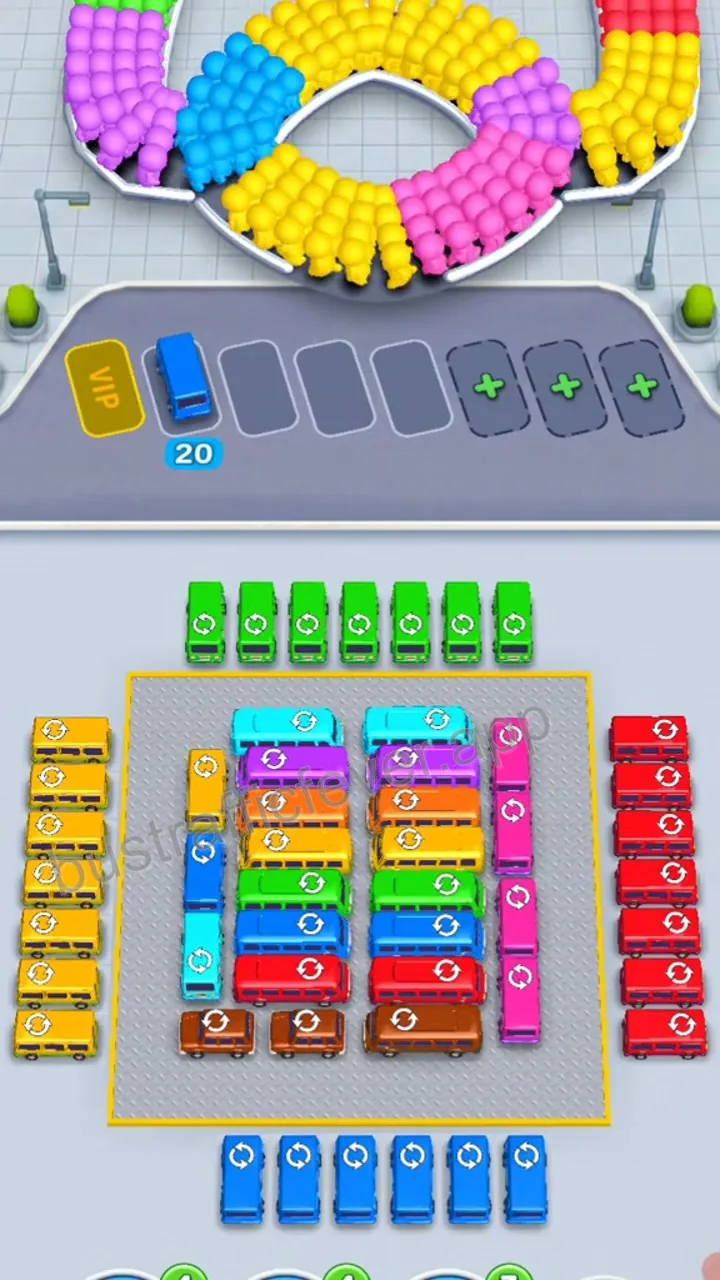
Dispatch the blue bus to the first parking space to board the incoming blue passengers and clear initial space.
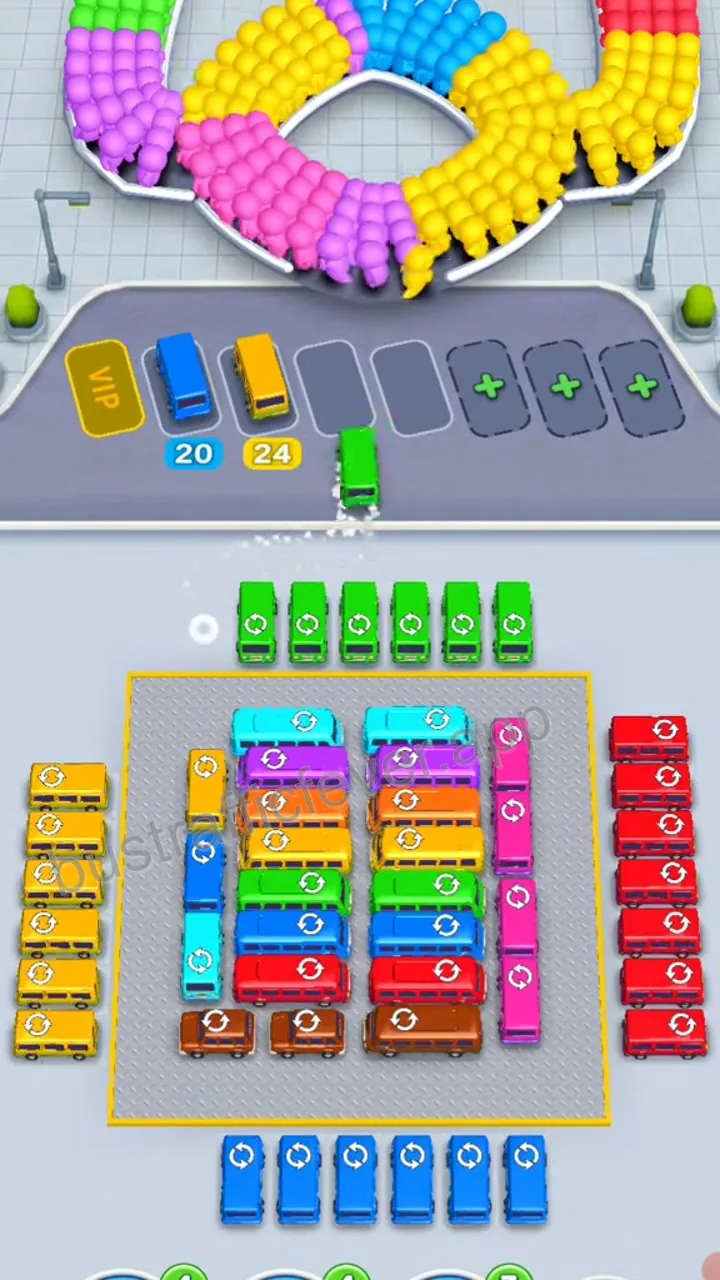
Dispatch the yellow bus to the second parking space to collect matching yellow passengers.
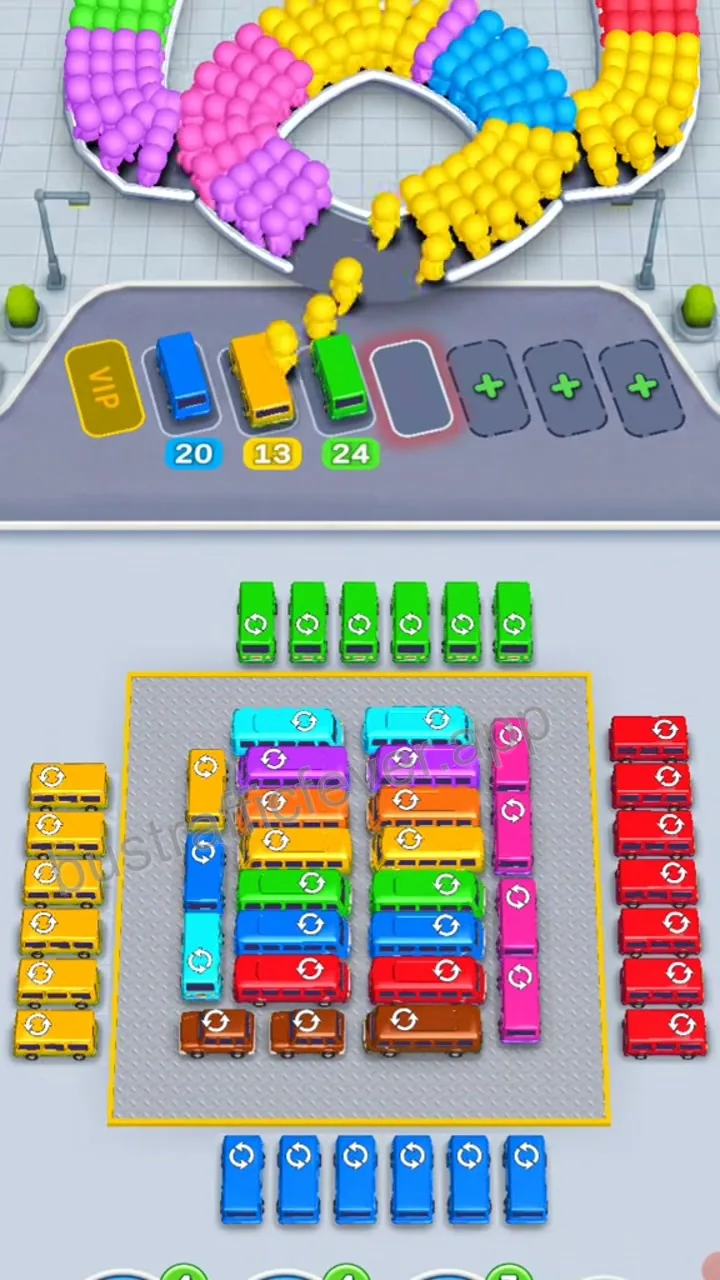
Dispatch the green bus to the third parking space to receive green passengers.
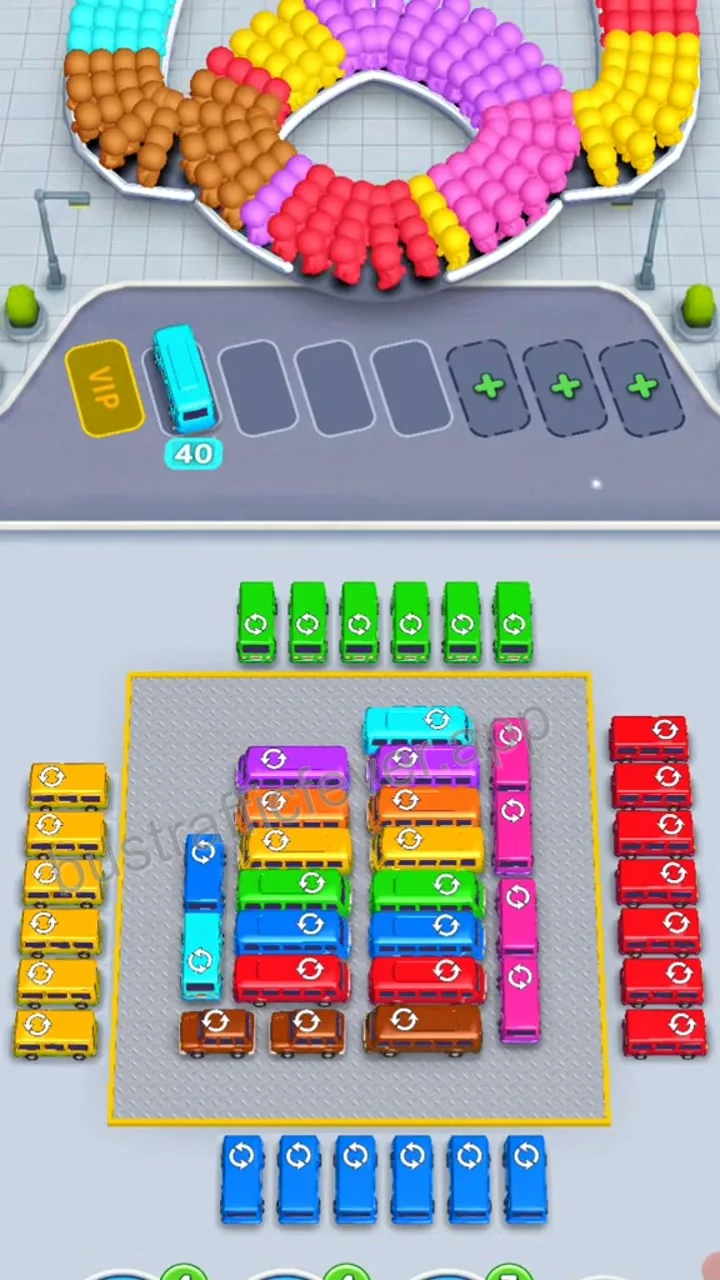
Dispatch another blue bus into the parking slot as matching blue passengers arrive.
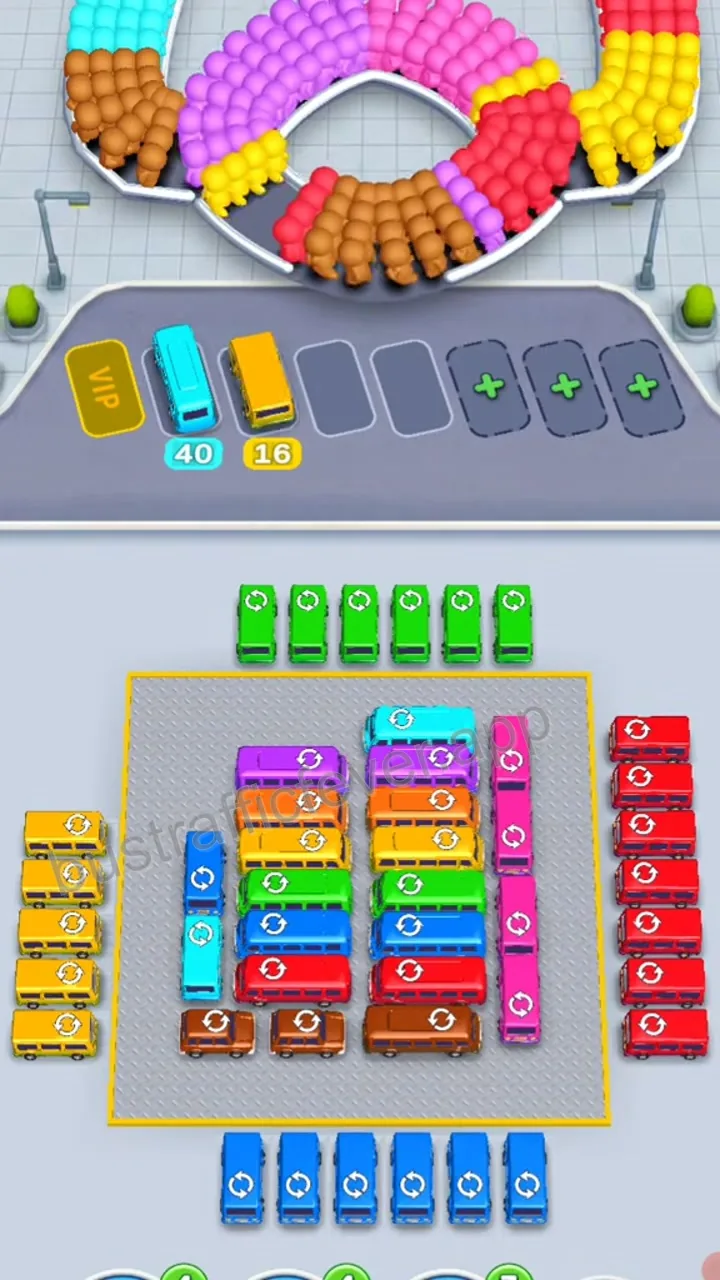
Dispatch a yellow bus to process the next set of yellow passengers and maintain board fluidity.
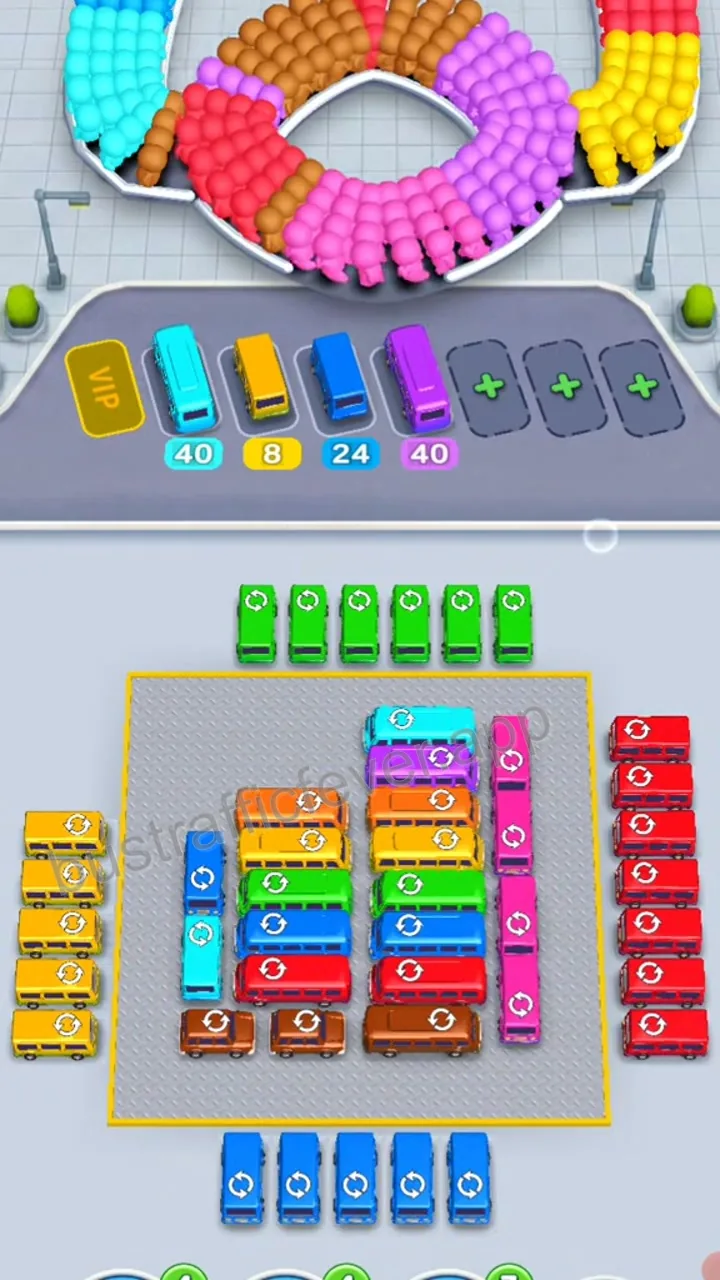
Dispatch the purple bus into the parking area to clear the newly accessible purple passengers and progress towards completion.
Player discussion
Comments (0)
Share a board-specific tip, report a mismatch, or ask another player about this level.
Leave a public comment
Your display name, comment, and optional image are public. Do not enter an email address or sensitive information.
No comments yet
Start a useful discussion about this level.